

Your Easy Guide to Safe BDT Deposits via bKash & Nagad on EG33
Depositing on EG33 starts with checking the payment method, recipient number and order amount shown on the current deposit page. This guide covers the bKash and Nagad Send Money flow, the VIP gateway flow, Transaction ID submission and what to do if your balance is delayed.
Benefits of Depositing at EG33
Depositing on EG33 lets you use local mobile wallets for BDT deposits and check the order status in Deposit Record. Before claiming any offer, review its eligibility, minimum deposit and turnover requirements before sending money.
Special Offers on Your First Deposit
If you see any first deposit or other promotion in your account, the latest terms apply. Never confirm a payment without verifying the bonus percentage, max reward, eligible games, and required turnover before withdrawal.
Jump into Games Instantly
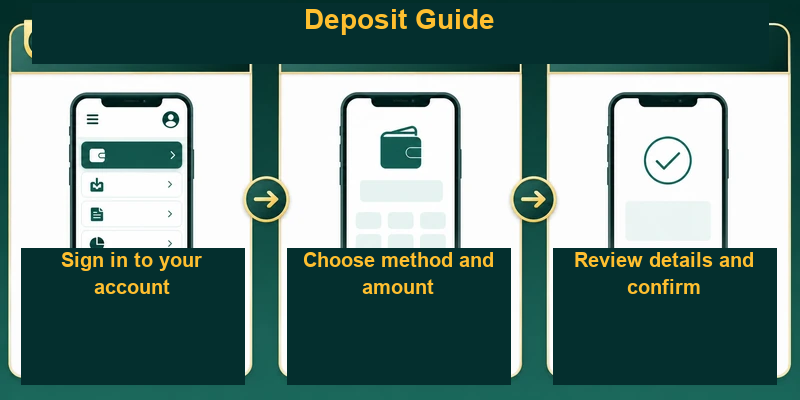
Verification is smoother when you use the correct channel and send exactly the order amount. After a successful payment, check the status in Deposit Record; do not send money again using the same order until the balance updates.
Full Security for Every Transaction
Only use the recipient number displayed on the EG33 deposit page at that moment. Never share your OTP, wallet PIN, or account password with anyone, and avoid making payments through links in unknown messages.
In the Send Money flow, copy the Transaction ID and paste it into the designated field. For VIP gateway payments, enter the OTP and PIN only on your wallet’s authorized payment screen—even EG33 support staff will never ask for them.
Help with Transaction Issues
If your balance doesn’t update within 10 minutes after payment, do not initiate another transfer. Instead, note the status in Deposit Record, prepare the correct Transaction ID, amount, and a screenshot of the receipt, then contact our official 24/7 support channel.
Convenient Deposit Methods at EG33
Choose your method from the channels currently shown on the EG33 deposit page. According to our knowledge base, the two main flows are Personal Account Send Money via bKash or Nagad, and BKASH VIP or NAGAD VIP payment gateways.
- Personal Account: Copy the recipient number from the EG33 deposit page, send money using the bKash or Nagad app, and then submit your transaction ID.
- VIP Gateway Select BKASH VIP or NAGAD VIP, confirm the channel and amount displayed, then authorize the payment with your wallet number, OTP, and PIN.
- Other Methods: Only use an additional method if it is actively shown on the EG33 deposit page while you are logged in.
Always Secure: EG33 Deposit Process
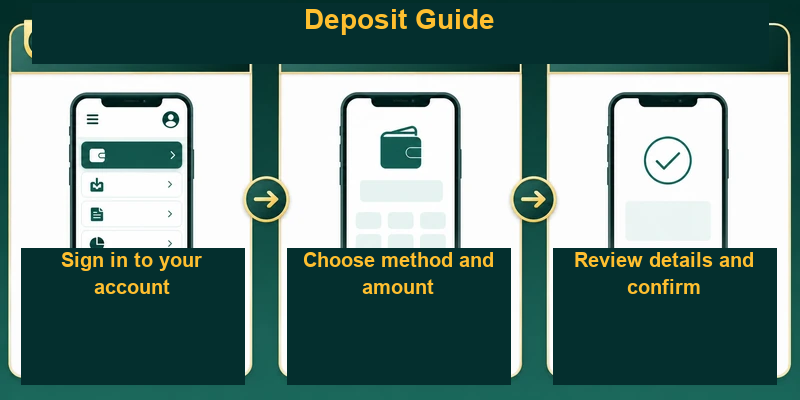
Follow the six steps below for the Personal Account Send Money flow. If you choose the VIP gateway, follow the on-screen channel, OTP, and PIN instructions, and then verify that your Deposit Record status shows Approved.
Step 1: Sign In to Your Account
First, log into your EG33 account and go to the Deposit page. Copy the recipient's Personal Account number shown on the page—never reuse a number from an old receipt or screenshot.
Step 2: Choose Your Preferred Deposit Method
Open your bKash or Nagad app and select Send Money. Paste the number you copied in step 1 into the recipient field and double-check it.
Step 3: Enter the Deposit Amount and Transaction Details
Enter the exact amount from your EG33 order into your wallet. Review the recipient and amount once more, then confirm the Send Money transaction with your wallet PIN.
Step 4: Confirm and Complete the Transaction Effortlessly
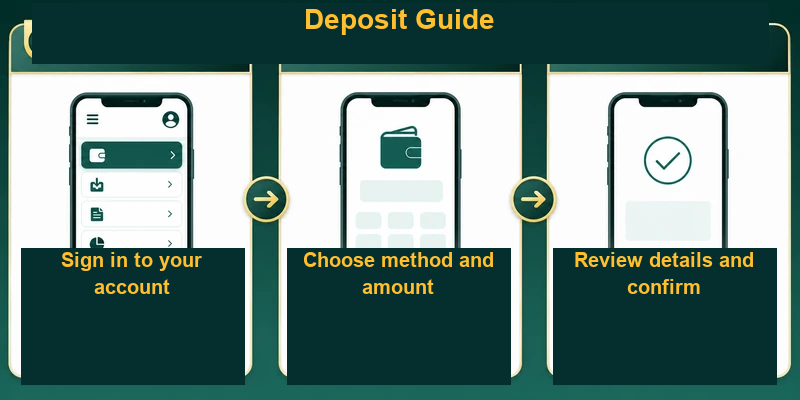
Copy the Transaction ID from your wallet's successful receipt. A screenshot alone isn’t enough—you need to copy the characters and numbers exactly as displayed.
Step 5. Submit the Transaction ID
Return to the EG33 deposit page, paste the Transaction ID into the designated field, and press Submit or Confirm. Do not use the same Transaction ID for multiple orders.
Step 6. Verify Your Deposit Record
When your Deposit Record shows Approved, confirm your balance has been updated. If it hasn’t updated within 10 minutes, contact official support with the receipt, transaction ID, and order amount.
Summary
Safe deposit checklist: use the current recipient number, keep the order and payment amounts identical, submit the Transaction ID, and verify the Deposit Record. Never share your OTP, PIN, or password.